
Sharpen your Typing Skills with Typer
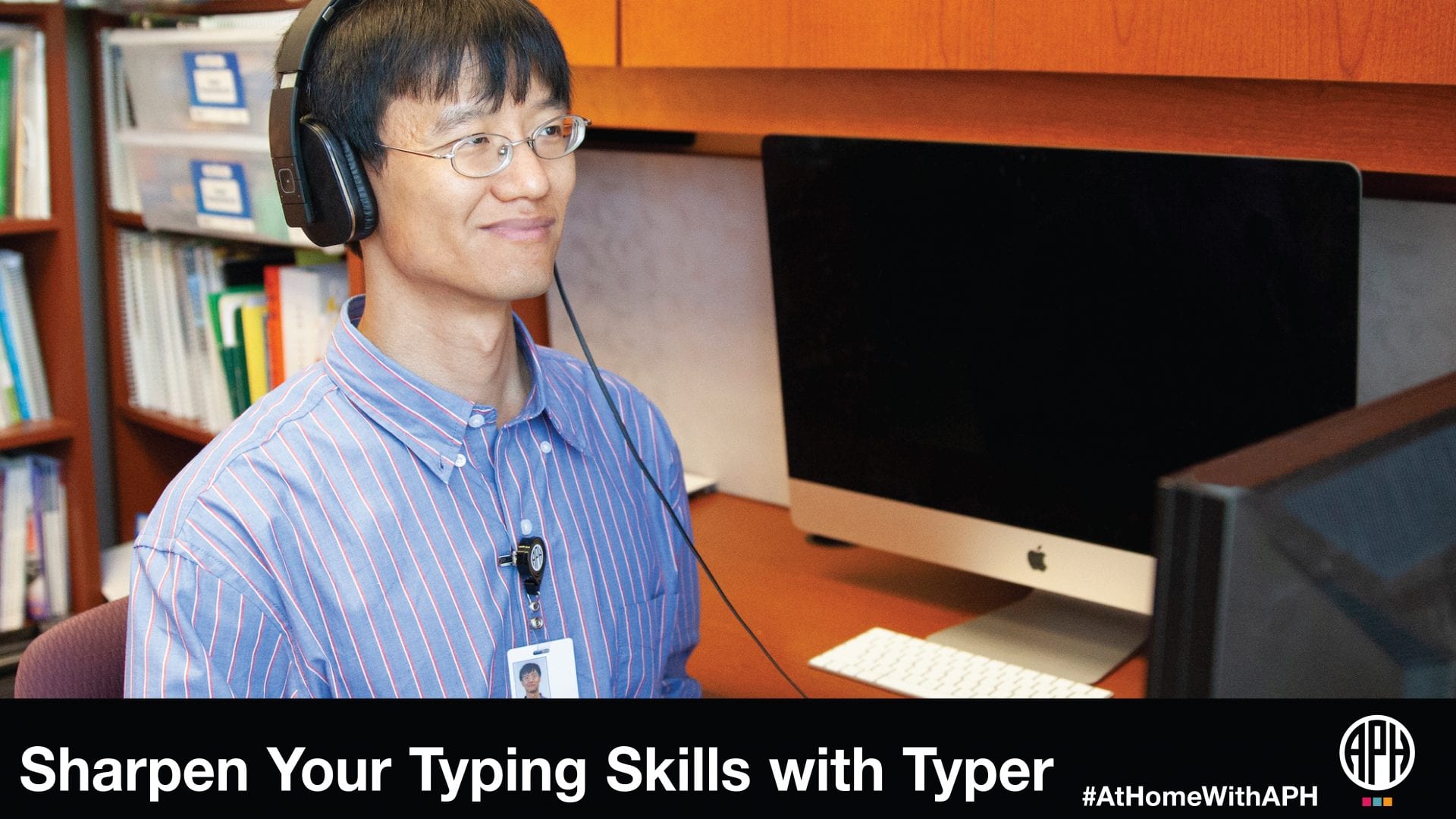
Typer Available Now!
You may have noticed the growing number of accessible web-based applications APH has been developing. For example, last year, we launched a terrific crossword solving tool that you can access with your preferred device, screen reader, and browser. No matter if you’re using Chromebooks, Macs, Windows, Android, or iOS, as long as the browser and screen reader supports modern web constructs, we’re making sure you can effectively use these apps.
NEW! Meet Typer, a new typing tutor along the lines of Talking Typer, except, of course, instead of self-voicing, this web app uses the screen readers and voices you already know and love. If you want to brush up and improve your typing skills during these isolated times, point your browser to Typer! Happy typing!
Documentation on the project can be found on the webpage but if you want to talk with us about what you like and want, please subscribe to the Typer email list by sending an email to typer-subscribe@tech.aph.org.
For more resources please check out our #AtHomeWithAPH resource list for free and accessible activities, tips, webinars, and more from APH, our partners, and the field at large. Have a free and accessible resource you would like us to include? Email us at communications@aph.org to tell us about it!
Share this article.
Related articles
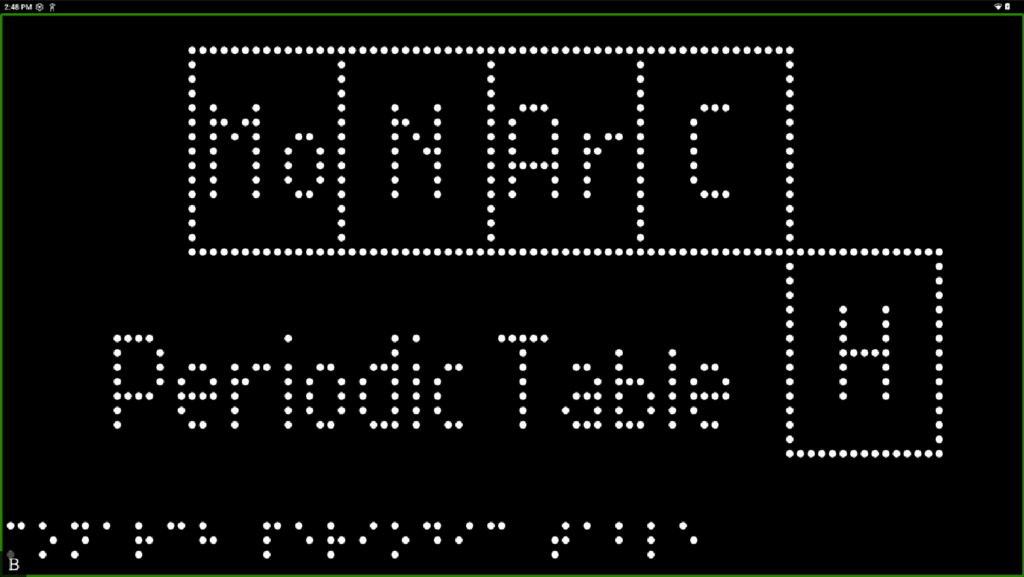
Reimagining the Periodic Table
The Periodic Table is a staple of science education, but for students who are blind or low vision, it’s often...
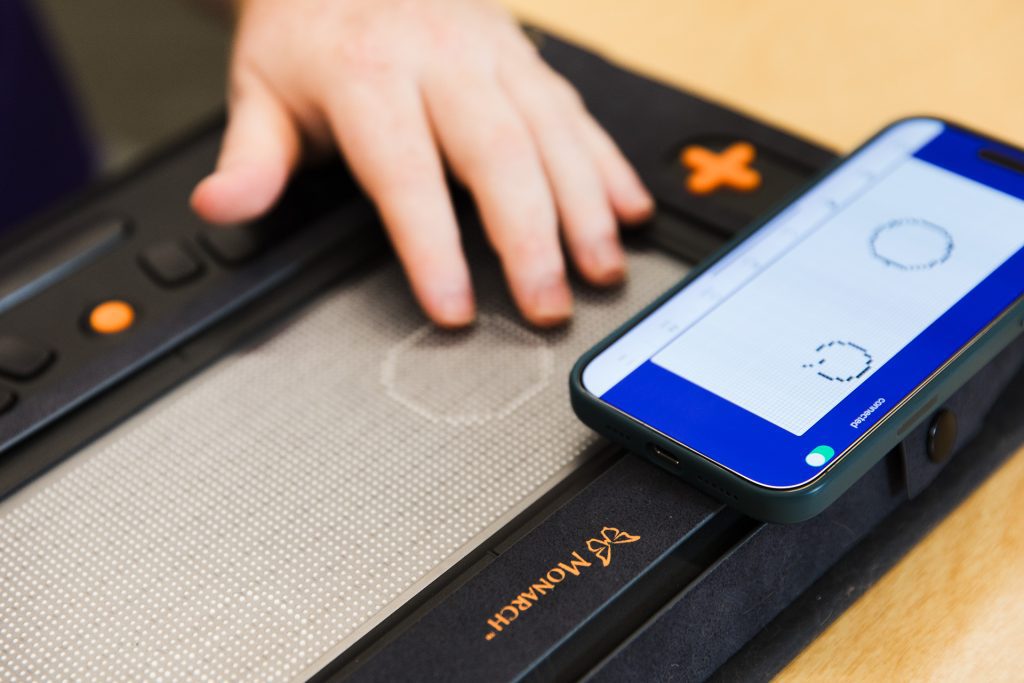
Helping Students Soar with Wing It
With an ever-growing need for tactile graphics, American Printing House’s new Wing It app puts tactile images into the hands...
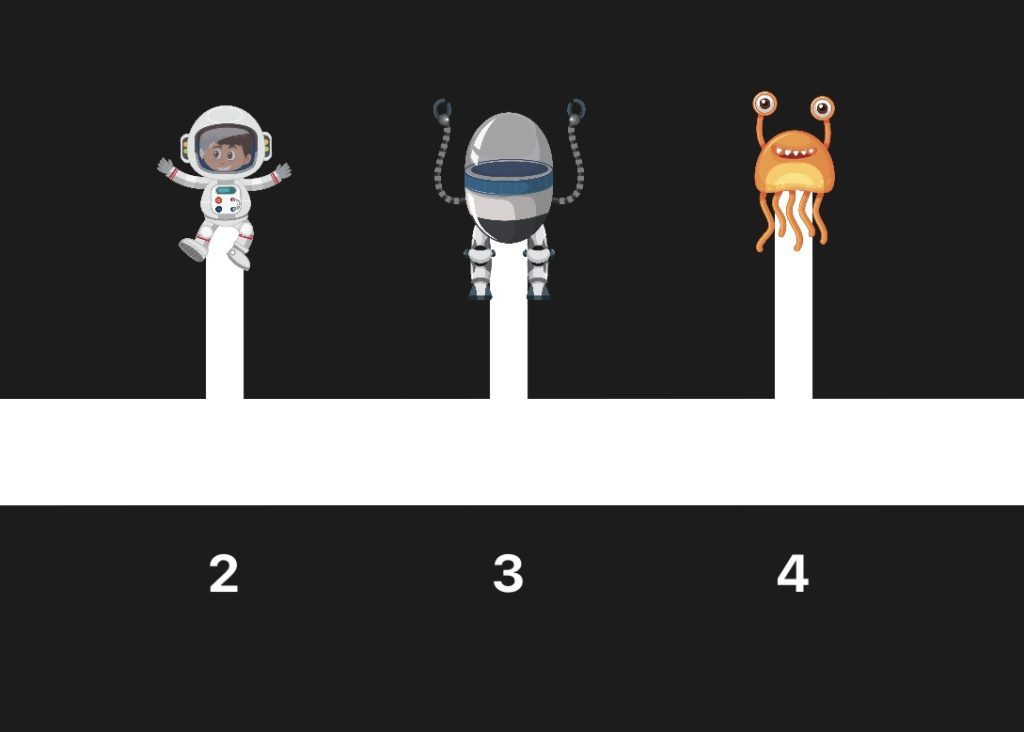
Mastering Both Math and Space with the Cosmic Number Lines App
An accessible, engaging iOS game, the Cosmic Number Lines App was designed for early elementary school students who are blind...